
Grammar Check - Spell Check
Catch mistakes before you hit send
Catch mistakes before you hit send


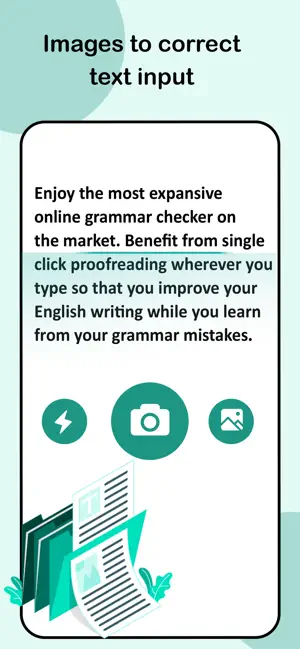

Grammar Check finds and fixes mistakes in your writing. Paste your text, and the app highlights spelling errors, grammar problems, and punctuation issues. Tap on any highlighted word to see the suggested correction and apply it with one tap.
The app also translates words into multiple languages — useful when you're writing and need to quickly look up a word in Chinese, Japanese, Korean, German, or other languages.
Before you send that email to your boss or client, paste it into Grammar Check. The app catches typos, wrong word usage ("their" vs "there"), and missing punctuation that could make your message look unprofessional.
Students use Grammar Check to proofread essays, research papers, and assignments. It spots subject-verb disagreement, run-on sentences, and common mistakes that can cost you marks.
Your LinkedIn profile is often the first impression employers get. Run your summary and job descriptions through Grammar Check to make sure they're error-free.
Quick posts can have embarrassing typos. If you're posting something that matters — an announcement, a professional update, or a thread — check it first.
Free on the App Store. Works on iPhone and iPad.